Overview
If we are providing you with an eSIM for your phone then we can offer Remote Deployment, sending the digital eSIM directly to your phone handset, you'll get a pop-up on your phone asking "Do you want to install this new eSIM?" It's a quick and convenient way to get up and running quickly, without need to scan QR codes or type in complicated PIN codes, and is better for our environment (no plastic SIM, no transport costs and CO2 emissions).
What we need: EID
All you need to do is tell us your EID on your phone, and we'll Remotely Deploy your eSIM to you.
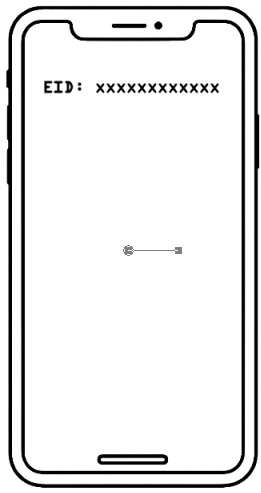
Quick tip: on most phones just dial *#06# and it should display the EID on the screen ;-)
How to show your EID on your Apple phone?
Apple's full instructions are here: https://support.apple.com/en-ug/108037?device-type=iphone
...but you just need to tap Settings > General > About (then scroll down to "EID")
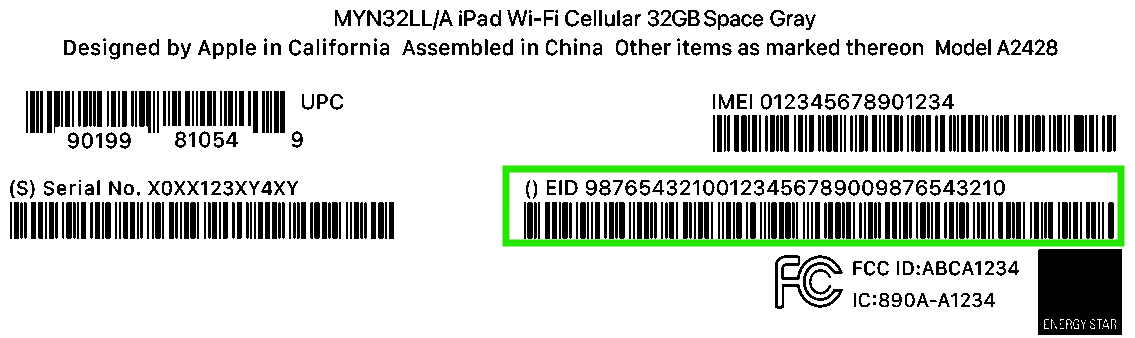
It's also on the label if you have the original packaging:
How to show your EID on your Samsung phone? (other Android phones will be similar)
Samsung's full instructions are here: https://www.samsung.com/uk/support/mobile-devices/how-to-use-an-esim-with-your-galaxy-phone/
...but you just need to tap Settings > About phone > Status > Status information (scroll down to "EID")
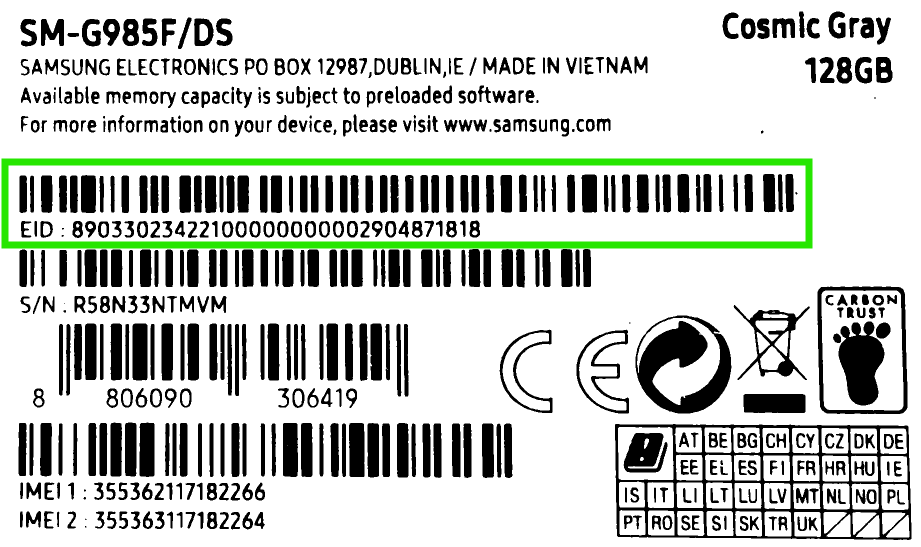
It's also on the label if you have the original packaging:
VIDEO
Watch EE's video of how the simple activation works on your phone
Was this article helpful?
That’s Great!
Thank you for your feedback
Sorry! We couldn't be helpful
Thank you for your feedback
Feedback sent
We appreciate your effort and will try to fix the article